Invoices
Activity
What is activity?
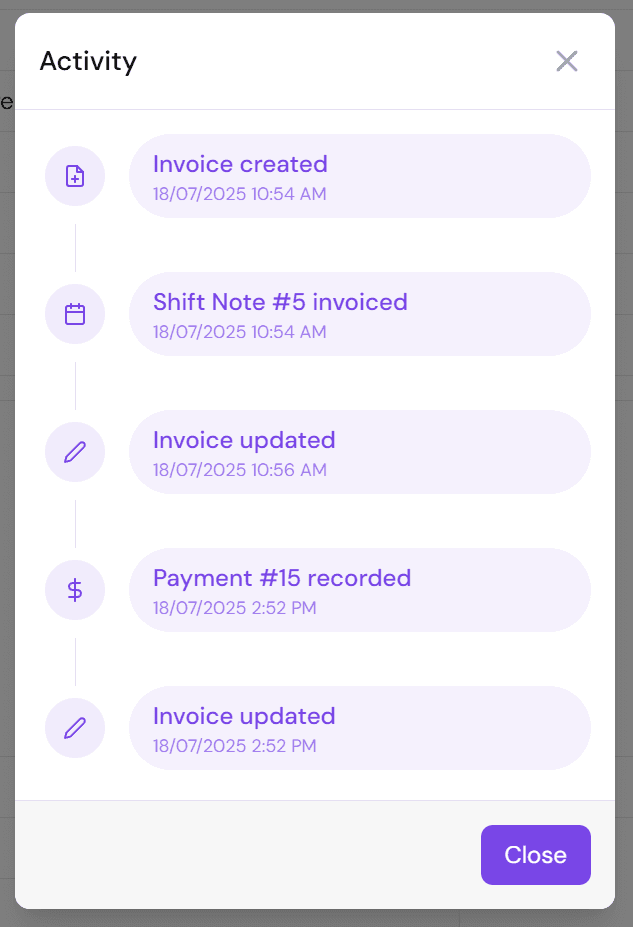
Activity for invoices is a basic log of when things happen.
At the moment this includes things like:
- Invoice created
- Shift note invoiced
- Invoice updated
- Payment recorded
We aim to add events like:
- Invoice sent
- Invoice opened
How do I view the activity of an invoice?
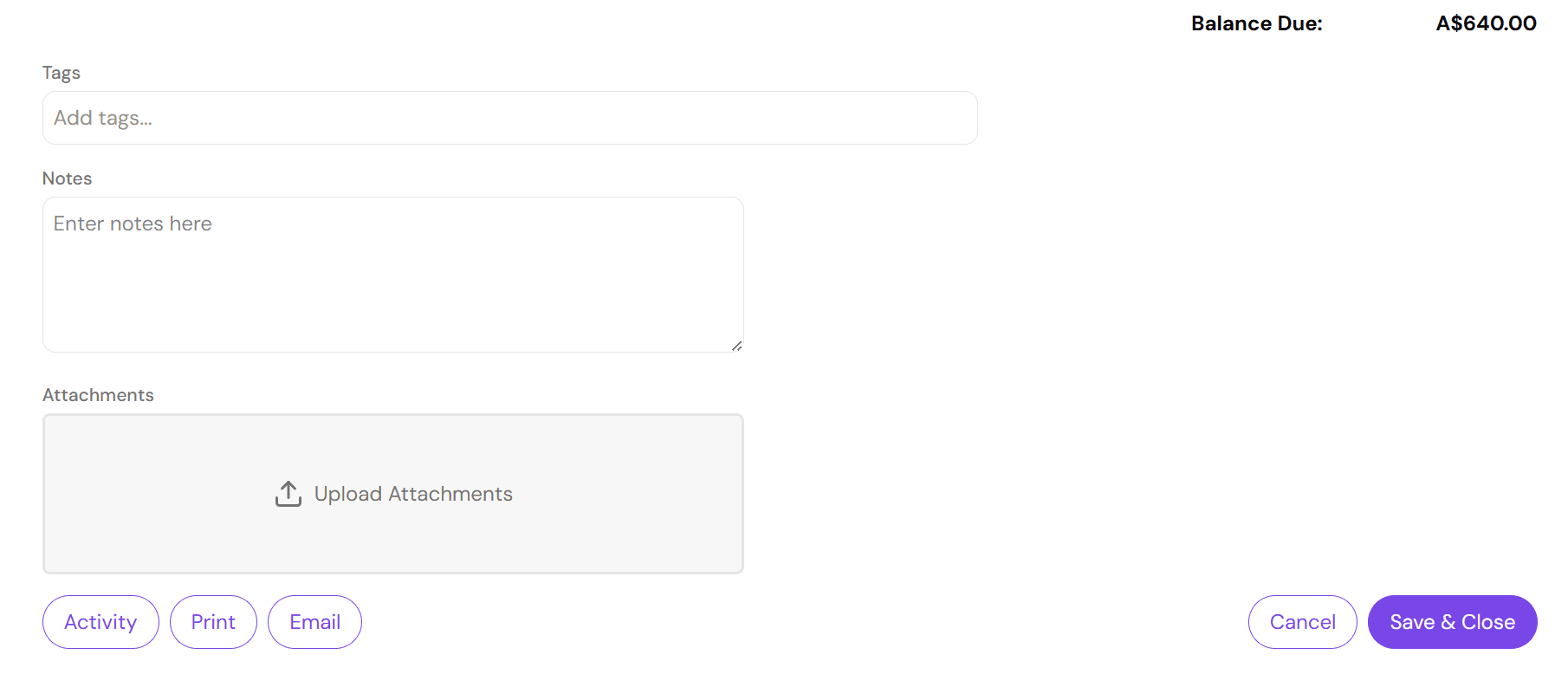
To view activity, go to Invoices and select the invoice you wish to view the activity of.
At the bottom of the edit invoice page, there is an activity button. Selecting this will open a popup that displays the activity.