Invoices
Print An Invoice
How do I print an invoice?
To print an invoice, go to the Invoices Table or go to a specific client and then the invoices tab. Select the invoice you wish to print, and wait for the edit invoice page to load.
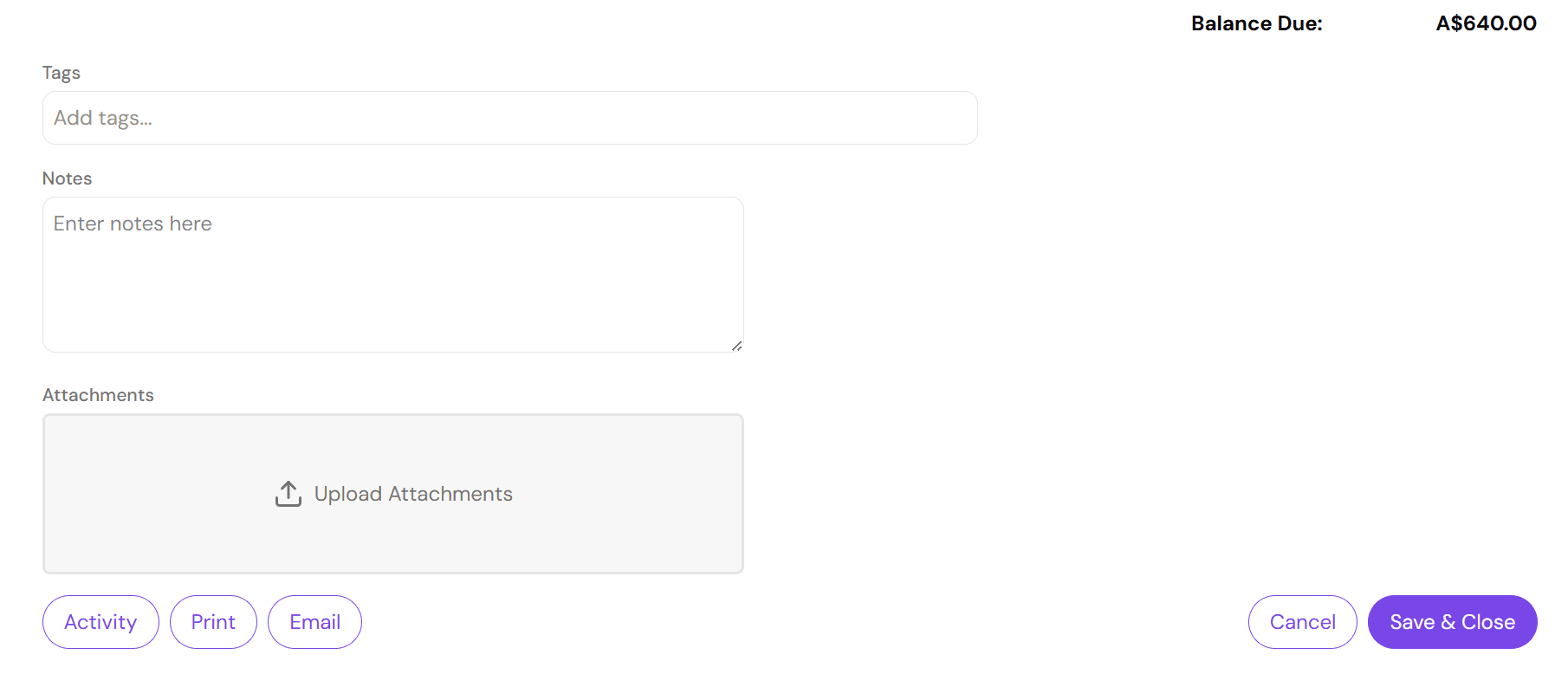
At the bottom left you will see a "Print" button. Press "Print", this will open a new tab with the invoice in PDF format, ready to download or print as necessary.
Please note, printing and emailing uses the saved details from the database, not the current details from the form. So if you have modified any details, make sure to save the invoice before printing.